
Oppo A3s CPH1853 Dump File Fix New CPU Tested
Download official Oppo A3s CPH1853 dump file from RomWala. Tested fix for new CPU. Fix pattern lock, FRP bypass, hang on logo, boot loop, brick after update, and software issues. Easy flash using QFIL...
24 views
0 downloads
Available Downloads
Loading files...
Full Specifications
Oppo A3s CPH1853 Dump File
| Description | Official dump file for Oppo A3s CPH1853 from RomWala. Tested fix for new CPU. Fix pattern lock, FRP bypass, hang on logo, boot loop, brick after update, and software issues. Easy flash using QFIL Tool or Miracle Box. Direct download link below. |
Info Dump
| Firmware Version | Dump |
| Package Name | Oppo-A3s-CPH1853-Dump-File-Fix-New-CPU-Tested |
| File Size | 14.56 GB (User area) |
| System | Android (Stock) |
| Security Patch Level | Unknown |
| Release Date | Unknown |
| Flash Tools | QFIL Tool, Miracle Box |
| Compression | ZIP/RAR |
| Firmware Type | Dump File |
| Purpose | Pattern unlock, FRP bypass, Hang on logo fix, Brick repair, Boot loop fix, New CPU fix, Software errors |
Device Info
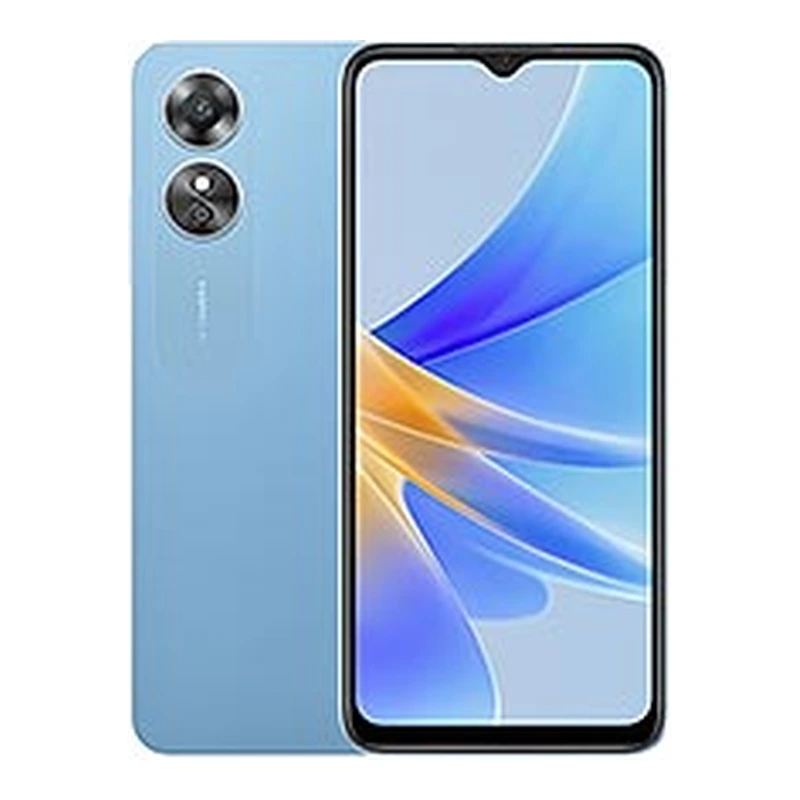
| Device Name | Oppo A3s |
| Brand | Oppo |
| Model | CPH1853 |
| Chipset | Qualcomm Snapdragon 450 (SDM450) |
| Chipset Manufacturing Process | 14nm |
| CPU | Octa-core 1.8GHz Cortex-A53 |
| GPU | Adreno 506 |
| RAM Options | 2GB / 3GB |
| Storage Options | 16GB / 32GB eMMC |
| Expandable Storage | Yes (microSD up to 256GB) |
| Battery Capacity | 4230mAh non-removable |
| Charging Support | Standard charging |
| Display | 6.2 inches IPS LCD |
| Display Resolution | 720 x 1520 pixels (HD+) |
| Display Refresh Rate | 60Hz |
| OS | Android (Stock) |
| Rear Camera | 13MP + 2MP Dual LED Flash |
| Front Camera | 8MP |
| Fingerprint | No |
| Network | 4G LTE, Dual SIM |
| Firmware Type | Dump File |
EXT_CSD Info
| EXT_CSD Revision | 1.8 (MMC v5.1) |
| Boot1 | 4096 KiB |
| Boot2 | 4096 KiB |
| RPMB | 4096 KiB |
| User Area | 14.56 GiB (15,634,268,160 bytes) |
| Cache Size | 64 MiB |
| Hardware Reset Function | 1 |
| Partition Configuration | 0x38 |
| Partitioning Support | 0x07 |
| Boot Configuration Protection | 0x00 |
| Boot Bus Conditions | 0x00 |
| Boot Area Write Protection | 0x00 |
Flashing Guide
| Requirements | Windows PC, USB Data Cable, 60% battery, Qualcomm USB Drivers, QFIL Tool or Miracle Box |
| How to Flash | 1. Extract dump file zip. 2. Install Qualcomm USB drivers. 3. Open QFIL Tool. 4. Select 'Flat Build' or 'Programmer Path'. 5. Load XML files from dump folder. 6. Click 'Download'. 7. Connect phone in EDL mode (Volume keys or test points). 8. Wait for complete flash. 9. Disconnect and reboot. |
| Warnings | Use only on Oppo A3s CPH1853. Do not disconnect during flashing. All user data will be erased. All operations at your own risk. |
| Troubleshooting | Device not detected - reinstall drivers. EDL mode not entering - try test points or volume keys. QFIL error - use different USB port or version. Sahara error - use Miracle Box or check programmer file. |
Oppo A3s CPH1853 Dump File Fix New CPU Tested - Description
Download official Oppo A3s CPH1853 dump file from RomWala. Tested fix for new CPU. Fix pattern lock, FRP bypass, hang on logo, boot loop, brick after update, and software issues. Easy flash using QFIL or Miracle Box. Direct download link below.
Keywords:
Oppo A3s CPH1853 Dump File, Oppo A3s Firmware, CPH1853 Dump, Oppo A3s Stock ROM, QFIL Tool, Miracle Box, FRP Bypass, Pattern Unlock, Boot Loop Fix, Brick Repair, Oppo Firmware, CPH1853 Dump File
Tags:
#OppoA3s #CPH1853 #OppoA3sDumpFile #DumpFile #OppoFirmware #StockROM #QFILTool #MiracleBox #FRPBypass #PatternUnlock #RomWala #BootLoopFix #BrickRepair #Oppo
Keywords:
Oppo A3s CPH1853 Dump File, Oppo A3s Firmware, CPH1853 Dump, Oppo A3s Stock ROM, QFIL Tool, Miracle Box, FRP Bypass, Pattern Unlock, Boot Loop Fix, Brick Repair, Oppo Firmware, CPH1853 Dump File
Tags:
#OppoA3s #CPH1853 #OppoA3sDumpFile #DumpFile #OppoFirmware #StockROM #QFILTool #MiracleBox #FRPBypass #PatternUnlock #RomWala #BootLoopFix #BrickRepair #Oppo
Comments (0)