
Samsung A03 Core A032F Unisoc Binary U2 U5 Dump File Tested
Download official Samsung A03 Core A032F Unisoc dump file from RomWala. Tested for Binary U2 and U5. Fix Google lock, deadboot, hardbrick, eMMC replacement. Easy flash using UFI Box. Direct download l...
25 views
0 downloads
Available Downloads
Loading files...
Full Specifications
Samsung A03 Core A032F Unisoc Binary U2 U5 Dump File
| Description | Official dump file for Samsung A03 Core A032F Unisoc from RomWala. Tested for Binary U2 and U5. Fix Google lock, deadboot, hardbrick, eMMC replacement. Easy flash using UFI Box. Direct download link below. |
Info Dump
| Firmware Version | Full Dump (Binary U2, U5) |
| Package Name | Samsung-A03-Core-A032F-Unisoc-Binary-U2-U5-Dump-File-Tested |
| File Size | eMMC Full Dump |
| System | Android (Stock) |
| Security Patch Level | Unknown |
| Release Date | Unknown |
| Flash Tools | UFI Box |
| Compression | ZIP/RAR |
| Firmware Type | Full Dump File |
| Purpose | Google lock fix, Deadboot fix, Hardbrick fix, EMMC replacement, Pattern unlock, FRP bypass, Hang on logo fix, Brick repair, Boot loop fix |
Device Info
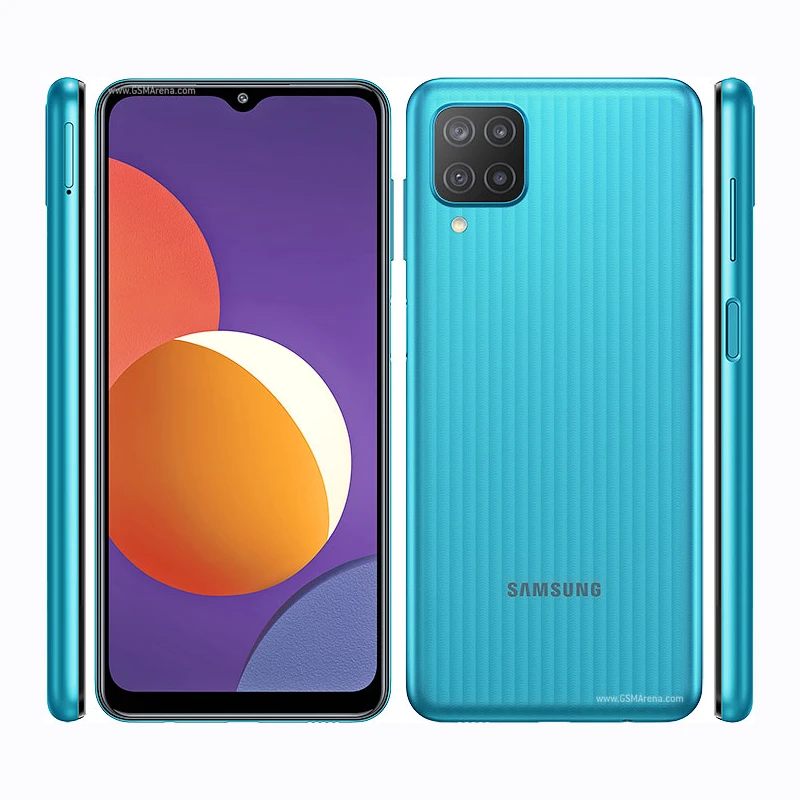
| Device Name | Samsung A03 Core |
| Brand | Samsung |
| Model | A032F |
| Chipset | Unisoc (SPD) |
| Bootloader Versions | Binary U2, U5 |
| RAM Options | 2GB / 3GB |
| Storage Options | 32GB eMMC |
| Expandable Storage | Yes (microSD up to 1TB) |
| Battery Capacity | 5000mAh non-removable |
| Charging Support | Standard charging |
| Display | 6.5 inches PLS LCD |
| Display Resolution | 720 x 1600 pixels (HD+) |
| Display Refresh Rate | 60Hz |
| OS | Android (Stock) |
| Rear Camera | 8MP LED Flash |
| Front Camera | 5MP |
| Network | 4G LTE, Dual SIM |
| Firmware Type | Full Dump File |
Case Story
| Initial Issue | Device came with Google account lock (FRP) |
| Attempt | Tried to unlock via dongle - device became dead/total mati |
| Detection | Only detected as SPD on laptop |
| Solution | Work via UFI Box - eMMC removal and write dump |
Step by Step Guide
| Step 1 | Remove eMMC IC |
| Step 2 | Check health - still normal |
| Step 3 | Download full dump Binary U5 |
| Step 4 | Identify and backup original dump + red partitions |
| Step 5 | Factory Erase -> Erase |
| Step 6 | Write dump file |
| Step 7 | Identify -> Go to User Partition tab |
| Step 8 | Write all partitions EXCEPT userdata |
| Step 9 | Restore important red partitions |
| Step 10 | Identify -> Special Task: Factory Reset |
| Step 11 | Clean FRP |
| Step 12 | Identify |
| Step 13 | Power on device - will enter recovery |
| Step 14 | Factory reset in recovery |
| Step 15 | Done - Device Ready |
Flashing Guide
| Requirements | Windows PC, USB Data Cable, UFI Box, eMMC adapter |
| How to Flash | 1. Remove eMMC IC. 2. Check health. 3. Download full dump Binary U5. 4. Identify and backup original dump + red partitions. 5. Factory Erase. 6. Write dump. 7. Identify -> User Partition tab -> Write all partitions except userdata. 8. Restore important red partitions. 9. Identify -> Special Task: Factory Reset. 10. Clean FRP. 11. Power on -> Enter recovery -> Factory reset. |
| Warnings | Use only on Samsung A03 Core A032F Binary U2/U5. Do not disconnect during writing. All user data will be erased. All operations at your own risk. |
| Troubleshooting | eMMC not detected - check connections. Write error - use different box or version. Stuck on logo - perform factory reset in recovery. |
Samsung A03 Core A032F Unisoc Binary U2 U5 Dump File Tested - Description
Download official Samsung A03 Core A032F Unisoc dump file from RomWala. Tested for Binary U2 and U5. Fix Google lock, deadboot, hardbrick, eMMC replacement. Easy flash using UFI Box. Direct download link below.
Keywords:
Samsung A03 Core A032F Dump File, Samsung A032F Firmware, A032F Dump, Samsung A03 Core Stock ROM, UFI Box, Unisoc, SPD, Binary U2, Binary U5, FRP Bypass, Google Lock Fix, Deadboot Fix, Hardbrick Fix
Tags:
#SamsungA03Core #A032F #SamsungA032F #SamsungA03CoreDumpFile #DumpFile #SamsungFirmware #StockROM #UFIBox #Unisoc #SPD #BinaryU2 #BinaryU5 #FRPBypass #GoogleLock #RomWala
Keywords:
Samsung A03 Core A032F Dump File, Samsung A032F Firmware, A032F Dump, Samsung A03 Core Stock ROM, UFI Box, Unisoc, SPD, Binary U2, Binary U5, FRP Bypass, Google Lock Fix, Deadboot Fix, Hardbrick Fix
Tags:
#SamsungA03Core #A032F #SamsungA032F #SamsungA03CoreDumpFile #DumpFile #SamsungFirmware #StockROM #UFIBox #Unisoc #SPD #BinaryU2 #BinaryU5 #FRPBypass #GoogleLock #RomWala
Comments (0)