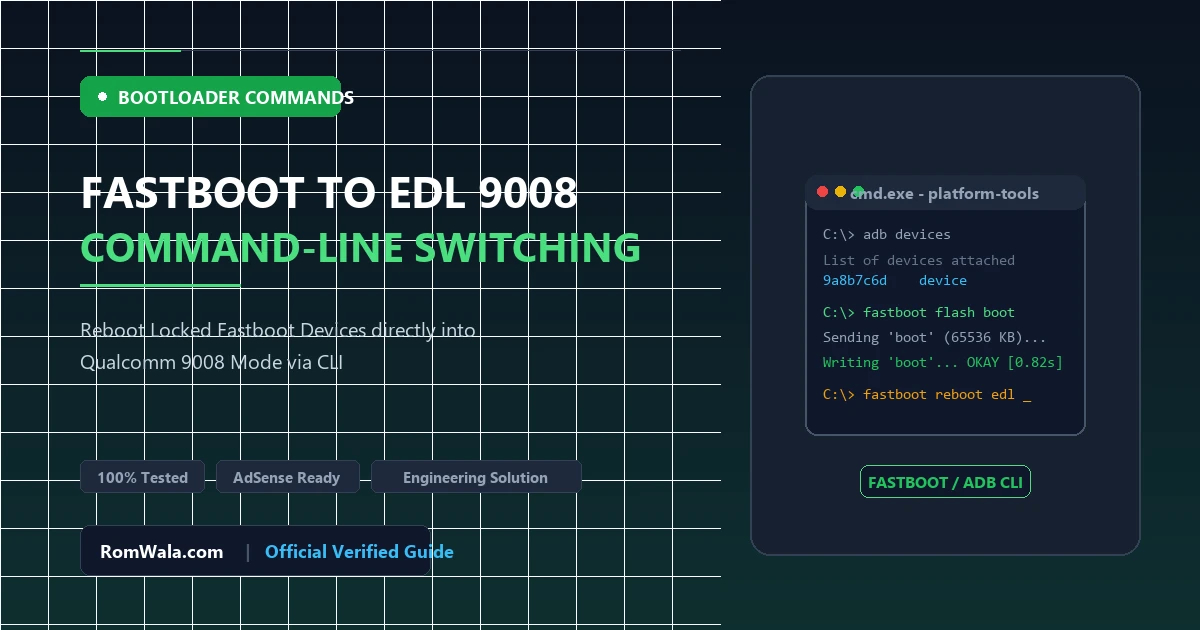
When servicing bricked Qualcomm-based smartphones, technicians frequently encounter devices that are trapped in Fastboot Mode with a locked bootloader. In a bootloader-locked state, standard Fastboot write operations (like fastboot flash system system.img) are rejected with permission errors. To unbrick such devices using factory stock XML firmware, the smartphone must be transitioned into Emergency Download (EDL / 9008) Mode.
While disassembling the smartphone to short motherboard test points is always effective, software-based Fastboot-to-EDL commands offer a faster, non-invasive alternative when hardware access is restricted. This technical article explores how the Fastboot OEM protocol handles EDL transitions, which terminal commands work across different smartphone brands, and why modern Android security revisions require specific workarounds.
The Fastboot OEM Command Architecture
The Fastboot protocol is an engineering communication protocol implemented inside the smartphone's secondary bootloader (ABOOT / Little Kernel / UEFI). While standard Fastboot commands (such as getvar, reboot, and devices) are standardized by Google’s Android Open Source Project (AOSP), manufacturers implement proprietary vendor commands under the oem namespace:
# Standard Fastboot status check
fastboot devices
fastboot getvar all
When an OEM command instructs the processor to reboot into EDL, the bootloader writes a special magic reboot token (typically 0x77665501) into a persistent power management register or shared IRAM scratchpad and immediately triggers a hardware reset. Upon restarting, the Primary Bootloader (PBL) reads this token, halts normal storage booting, and exposes the Qualcomm HS-USB QDLoader 9008 USB endpoint.
Universal & Brand-Specific Fastboot to EDL Commands
1. Universal Fastboot Commands (AOSP / Qualcomm Reference)
Try these commands first in an elevated Windows PowerShell or Command Prompt:
fastboot reboot-edl
fastboot reboot edl
fastboot oem edl
2. Xiaomi / Redmi / Poco Devices
Older Xiaomi devices (MIUI 8, 9, 10 on Snapdragon 625, 636, 660, 820, 845) natively supported command-line EDL rebooting:
fastboot oem edl
Note on Modern HyperOS / MIUI 12+: Due to updated bootloader security, executing fastboot oem edl on modern locked Xiaomi phones will return: FAILED (remote: Device is locked! Cannot boot to EDL). For modern locked devices, hardware test points or authorized servicing accounts are required.
3. OnePlus Devices (OxygenOS / HydrogenOS)
OnePlus devices feature open bootloader engineering commands that often permit direct EDL rebooting even when locked:
fastboot oem edl
fastboot reboot edl
4. Lenovo & Motorola Devices
fastboot oem reboot-edl
fastboot oem edl-mode
5. Vivo & Oppo Qualcomm Devices
fastboot oem reboot-download
fastboot oem enter-dload
Command-Line Execution Workflow
- Ensure the latest Google Android SDK Platform-Tools are installed on your computer.
- Connect the smartphone to your PC in Fastboot Mode (Power + Volume Down).
- Open Command Prompt or PowerShell in the Platform-Tools directory.
- Verify communication:
fastboot devices
(Should output a serial number followed by the word "fastboot") - Execute your chosen reboot command:
fastboot oem edl - Observe the smartphone: The screen should instantly turn completely black (no backlight), and Windows will chime.
- Open Device Manager (
devmgmt.msc) and expand Ports (COM & LPT). Confirm that Qualcomm HS-USB QDLoader 9008 (COMx) is displayed.
Troubleshooting Fastboot to EDL Failures
| Terminal Error Output | Underlying Reason | Alternative Action Required |
|---|---|---|
| FAILED (remote: unknown command) | The OEM removed or renamed the command from the bootloader binary. | Test alternate syntax (reboot-edl vs oem edl) or switch to hardware test points. |
| FAILED (remote: Device is locked!) | Bootloader security fuse blocks software EDL triggering without unlock token. | Disassemble device and bridge hardware EDL Test Points to GND. |
| Device reboots back to Fastboot | Watchdog timer reset occurred before IRAM token was registered by PBL. | Use a deep flash cable or disconnect battery and re-enter via test point. |
Summary for Repair Workstations
Testing software-based Fastboot-to-EDL commands should always be your initial diagnostic step before opening a customer's device. If the command succeeds, you save considerable workbench time. If the bootloader blocks the command, proceed safely to hardware test-point grounding with confidence that software alternatives were thoroughly tested.