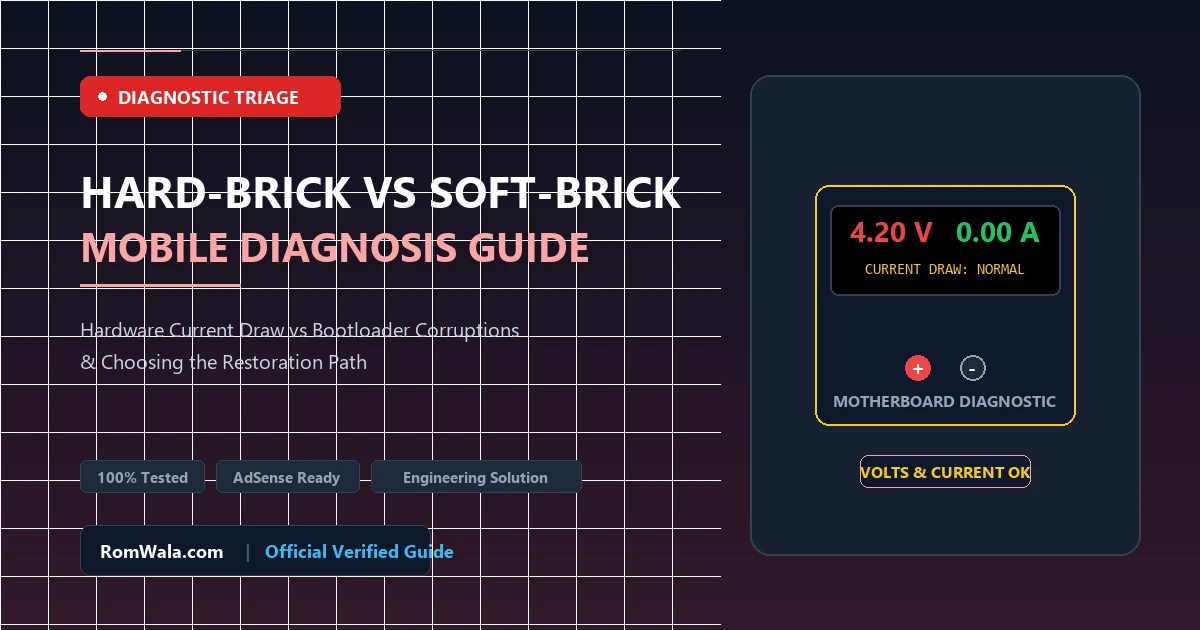
In the lexicon of mobile device repair, the term "bricked" signifies a smartphone that has become unbootable, unresponsive, or seemingly dead as a result of corrupted software, failed firmware updates, or hardware component failure. However, treating every unresponsive phone with the same generic repair procedure often leads to wasted workbench time or unnecessary hardware replacements.
Professional repair technicians must distinguish between a Soft-Brick (where secondary bootloader structures and display pipelines remain intact) and a Hard-Brick (where primary firmware execution fails completely, leaving the device unresponsive to power buttons). In this technical guide, we establish an engineering-grade diagnostic workflow to accurately classify bricked smartphones and choose the fastest, safest restoration pathway.
Detailed Comparison: Soft-Brick vs. Hard-Brick
1. What is a Soft-Bricked Device?
A smartphone is soft-bricked when its hardware components, power management ICs, and primary bootloaders are fully functional, but corrupted operating system files or partition tables prevent standard Android startup.
- Visual Symptoms: The screen powers on, shows the manufacturer logo, displays a boot animation loop (bootloop), boots automatically into Stock Recovery, or boots into Fastboot/Download mode.
- Hardware Response: The device vibrates upon pressing power, the battery charging animation appears when connected to a charger, and computers recognize the device via standard USB drivers (Android ADB or Fastboot).
- Recovery Difficulty: Low to Moderate. Resolvable 100% via software through non-destructive partition flashing, cache wipes, or standard stock ROM installation.
2. What is a Hard-Bricked Device?
A smartphone is hard-bricked when software damage is so severe that the device cannot initialize the display, secondary bootloader, or hardware peripherals. To an untrained user, the smartphone appears completely dead.
- Visual Symptoms: Completely black screen, no backlight, no vibration upon pressing the power button, and no charging LED indication.
- Hardware Response: When plugged into a Windows PC, the device does not show up as a smartphone. Instead, it exposes its processor-level Emergency Download serial interface:
- Qualcomm:
Qualcomm HS-USB QDLoader 9008(or QHSUSB_BULK) - MediaTek:
MediaTek USB Port (COMx)/ BROM Mode - Unisoc:
SPRD U2S Diag/ Download Port - Samsung Exynos:
Exynos USB Booting Device
- Qualcomm:
- Recovery Difficulty: Advanced. Requires low-level emergency flashing tools (QFIL, SP Flash Tool with DA auth, SPD Research Tool) or motherboard test-point disassembly.
The Technician’s 4-Step Diagnostic Triage Workflow
Step 1: The USB Current Meter / DC Power Supply Test
Connect the bricked smartphone to an in-line digital USB power analyzer (or a benchtop DC power supply set to 4.2V):
- Zero Current Draw (0.00A): Blown input protection diode, severed battery flex, or open VBUS rail. Hardware repair required before software diagnosis.
- Low Pulsing Current (0.05A – 0.15A): The processor PMIC is healthy and attempting to poll the boot ROM. Typical indication of a software hard-brick awaiting EDL/BROM connection.
- Normal Charging Current (0.45A – 1.80A): Battery and power management are operating correctly; device is likely in a soft-brick bootloop.
Step 2: Windows Device Manager Hardware Enumeration
Connect the device to a PC while monitoring Device Manager (devmgmt.msc):
- If Android Device / Fastboot Interface appears: The device is Soft-Bricked. Proceed to Fastboot partition recovery.
- If Ports (COM & LPT) shows a Qualcomm 9008, MTK USB, or SPRD port: The device is Hard-Bricked. Proceed to low-level chip-specific flashing.
- If Unknown USB Device (Device Descriptor Request Failed) appears: USB data line noise, driver conflicts, or damaged charging port flex.
Diagnostic Matrix & Restoration Pathways
| Diagnostic Indicator | Brick Classification | Recommended Action |
|---|---|---|
| Stuck on Boot Animation / Logo Loop | Soft-Brick | Boot into Recovery; wipe cache/data; flash clean boot.img and super.img. |
| Boots directly to Fastboot / Odin Mode | Soft-Brick | Flash complete official stock firmware archive via Fastboot or Odin. |
| Black Screen; Detected as Qualcomm 9008 | Hard-Brick (PBL Fallback) | Flash stock XML firmware package using QFIL or Mi Flash Tool. |
| Black Screen; Detected as MTK VCOM / BROM | Hard-Brick (BROM Fallback) | Flash factory scatter firmware using SP Flash Tool or MTK Client. |
| No PC detection; 0.00A current draw | Physical Hardware Fault | Inspect battery voltage, PMIC power rails, and charging sub-board before software testing. |